Bluetooth RC Boat: A DIY Birthday Gift
Posted on March 17, 2026
The Gift
Around Christmas 2024, I had the idea of building something special for my wife's cousin's upcoming birthday. He was turning 11 in May 2025, and I thought a remote-controlled boat would be a fun and educational gift — something he could actually play with and that I could build from scratch.
I started acquiring parts in early 2025 and assembled the boat incrementally, testing each module as it came together. On May 16th, I delivered the finished boat alongside a Raspberry Pi as his birthday present.
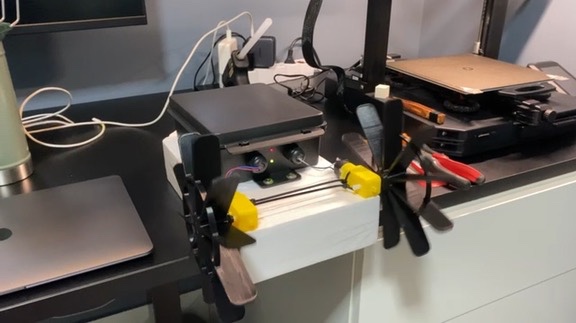
The finished boat — waterproof enclosure with two paddle wheels driven by geared motors.
The Concept
The boat is controlled via Bluetooth from a smartphone app running in gamepad mode. It uses differential steering — two independent geared motors, each driving a paddle wheel on one side. To go forward, both motors spin. To turn, only one motor runs. The body is made of plastic and styrofoam, with all the electronics housed inside a waterproof plastic enclosure.
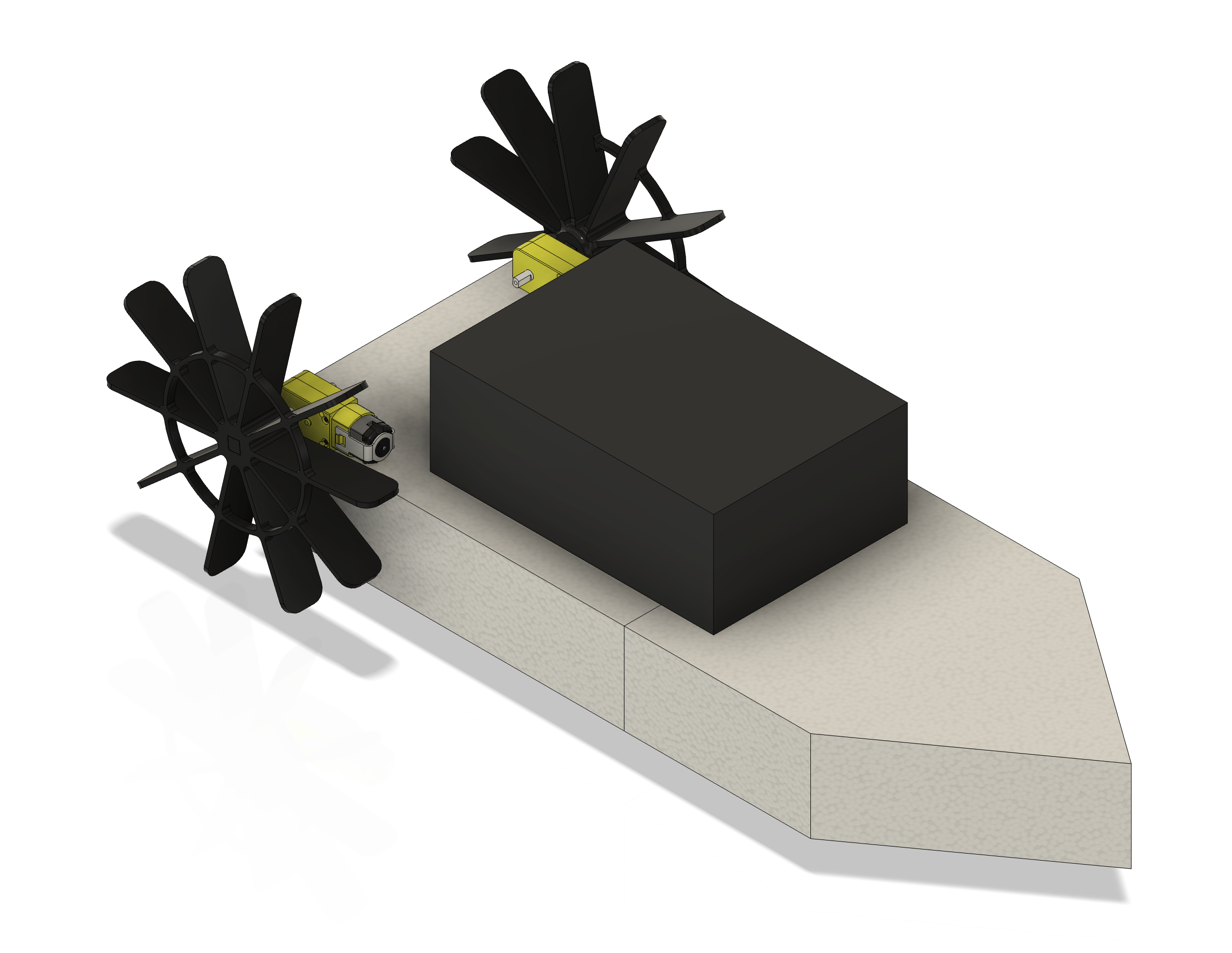
Fusion render of the boat design — the hull, waterproof box, paddle wheels, and geared motors.
Electronics and Evolution
The electronics went through two major revisions as I discovered the limitations of the initial design.
Version 1: 9V Battery
The first version used an Arduino Pro Micro, an HC-05 Bluetooth module, an L298N H-bridge motor driver, and a 9V battery. I also added two LEDs — one to indicate the board was powered on, and another to show the Bluetooth connection status.
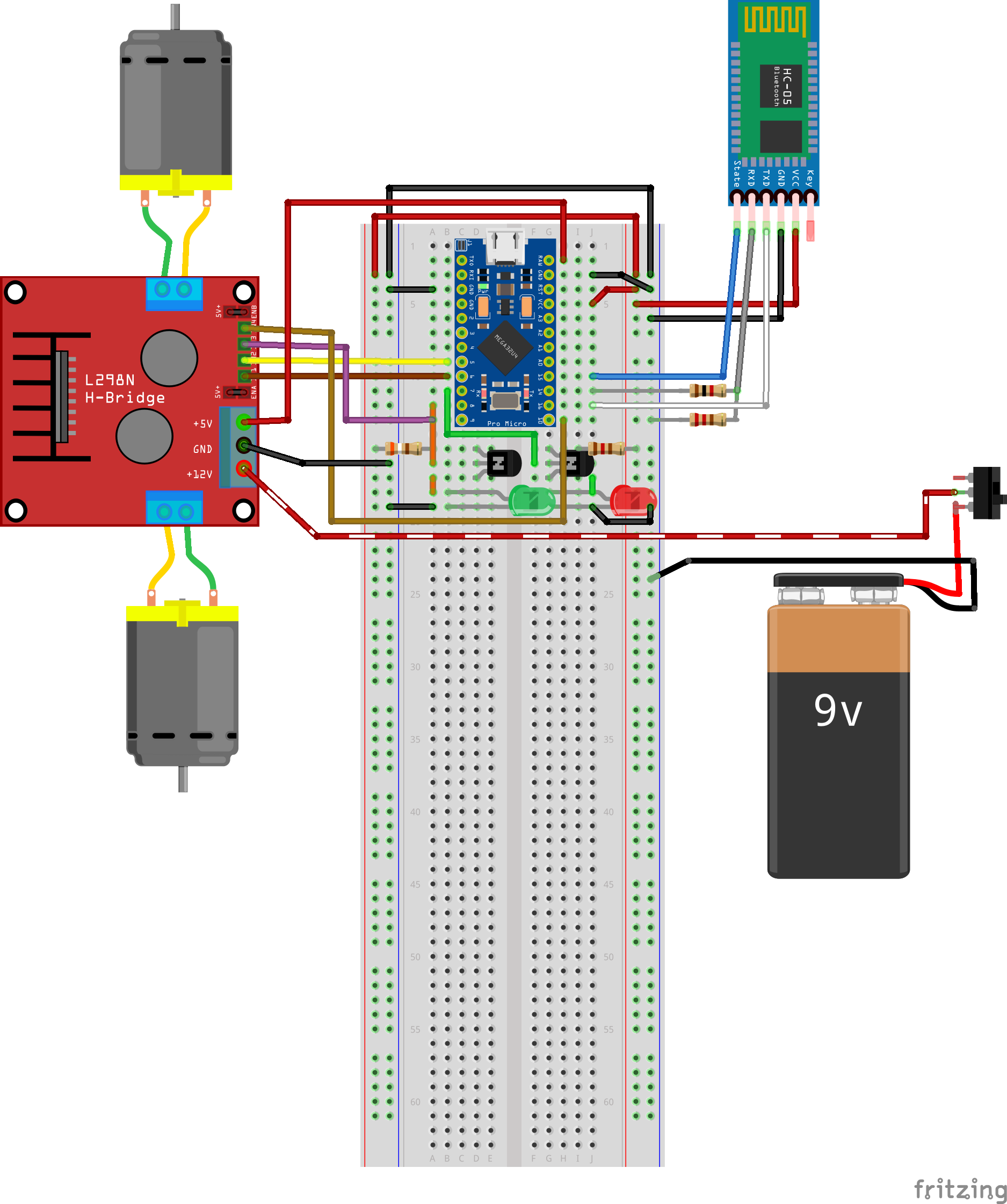
Fritzing wiring diagram. Note: this reflects the V1 configuration only (L298N + 9V battery).
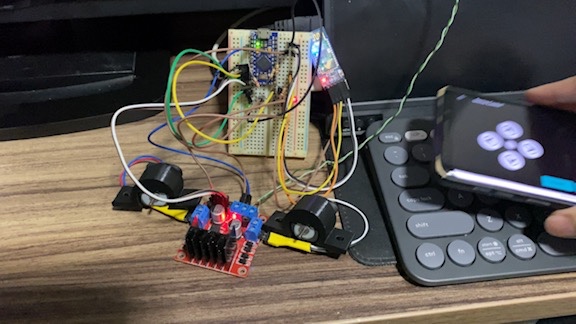
Early bench test — Arduino Pro Micro on a breadboard, L298N driver, and the smartphone app controlling the motors via Bluetooth.
However, the 9V battery simply could not deliver enough current to drive the geared motors with any meaningful torque. The motors would barely spin under load.
Testing Bluetooth motor control with the L298N, before installing the paddles.
First water test in Diego's kiddie pool — he filmed while I controlled the boat. The 9V battery's torque limitations are clearly visible.
Version 2: 18650 Battery
To solve the power problem, I replaced the 9V battery with a 2200 mAh 18650 lithium cell. This required adding a TP4056 charging module (for USB recharging), an LM2587 step-up boost converter (to raise the voltage), and swapping the bulky L298N for a compact DRV8833 motor driver.
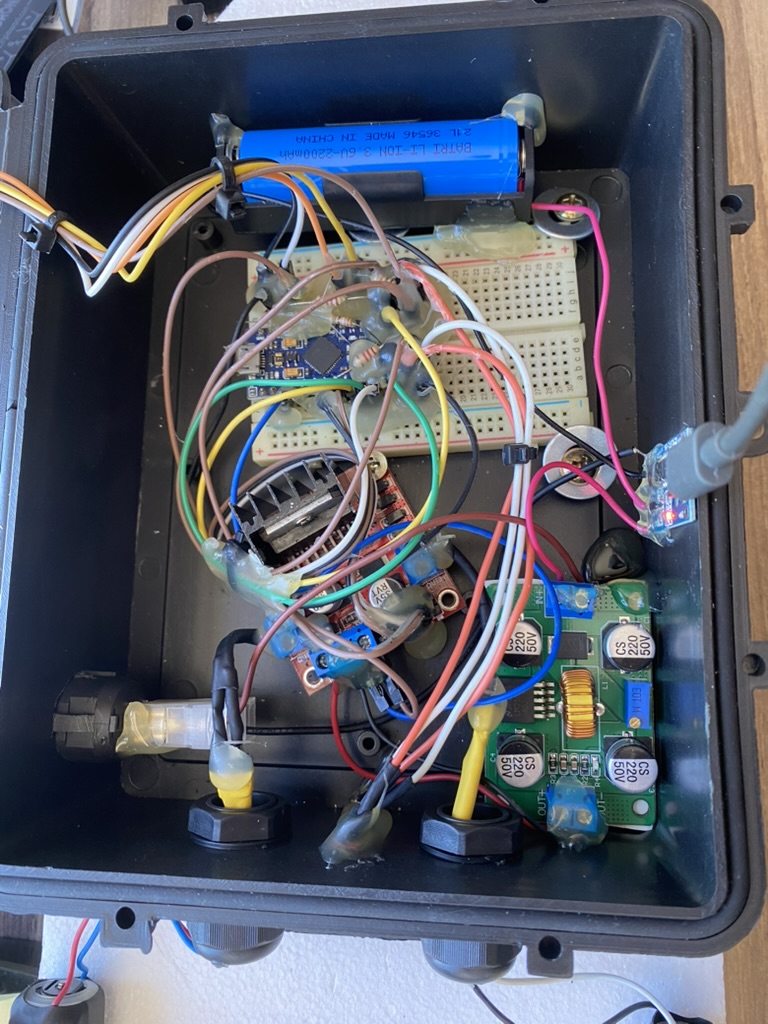
The waterproof enclosure with the 18650 battery, LM2587 step-up converter, and TP4056 charger installed — before the DRV8833 arrived.
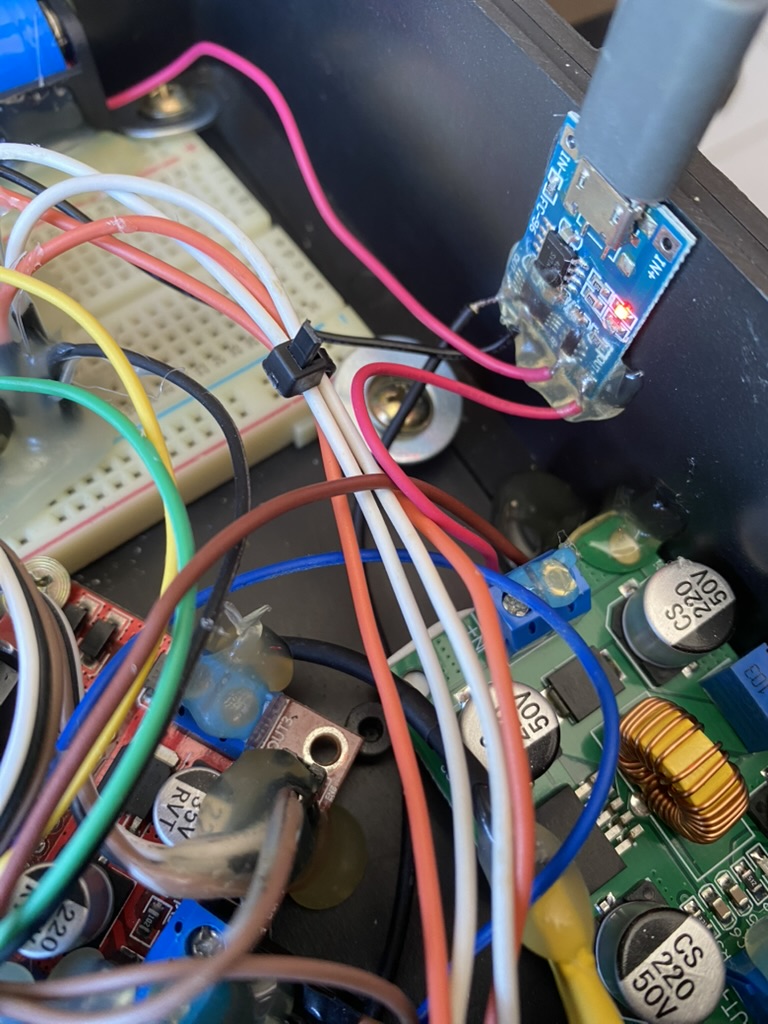
Detail of the TP4056 USB charging module and wiring, from the same day.
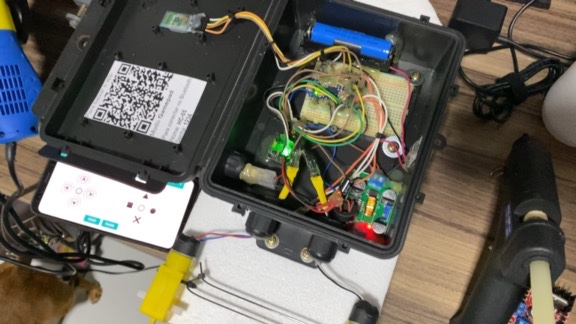
The most recent configuration — all components in place, with the QR code instructions inside the lid and the smartphone app connected.
Explaining the conversion to the rechargeable battery and demonstrating true simultaneous motor activation.
The Software
The Arduino code receives single-character commands over a Bluetooth serial connection: F (forward), B (backward), L (left), R (right), and 0 (stop). The smartphone runs a Bluetooth gamepad app that sends these commands when the directional buttons are pressed.
Two challenges came up during development. First, both motors starting simultaneously at full PWM would cause a current spike large enough to trigger a brownout — the step-up converter could not handle the inrush current of both geared motors at once. The solution was implementing a soft-start PWM ramp, gradually increasing the duty cycle instead of jumping straight to the target value.
Second, the initial ramp implementation used a separate blocking for loop
for each motor, which meant motor 1 would complete its entire ramp before motor 2 even started. This caused
the boat to veer off course when going straight. The fix was writing a dual-ramp function that increments
both motors' PWM values together in the same loop:
void analogWriteRampaDupla(int pino1, int pino2, int valorFinal, int tempoStep = 5) {
  for (int v = 0; v <= valorFinal; v++) {
    analogWrite(pino1, v);
    analogWrite(pino2, v);
    delay(tempoStep);
  }
}
The source code is available on GitHub, including the main control sketch (DRV8833 version) and individual test sketches for the Bluetooth module and motors.
3D Printed Parts
Paddle Wheels
The paddles had to be large enough to reach the water from their mounting position, but light enough not to overwhelm the geared motors' limited torque. I settled on an 10-blade radial design modeled in Fusion. I printed the first paddle myself, but ran out of filament for the second one — my brother-in-law Diego kindly printed it for me.
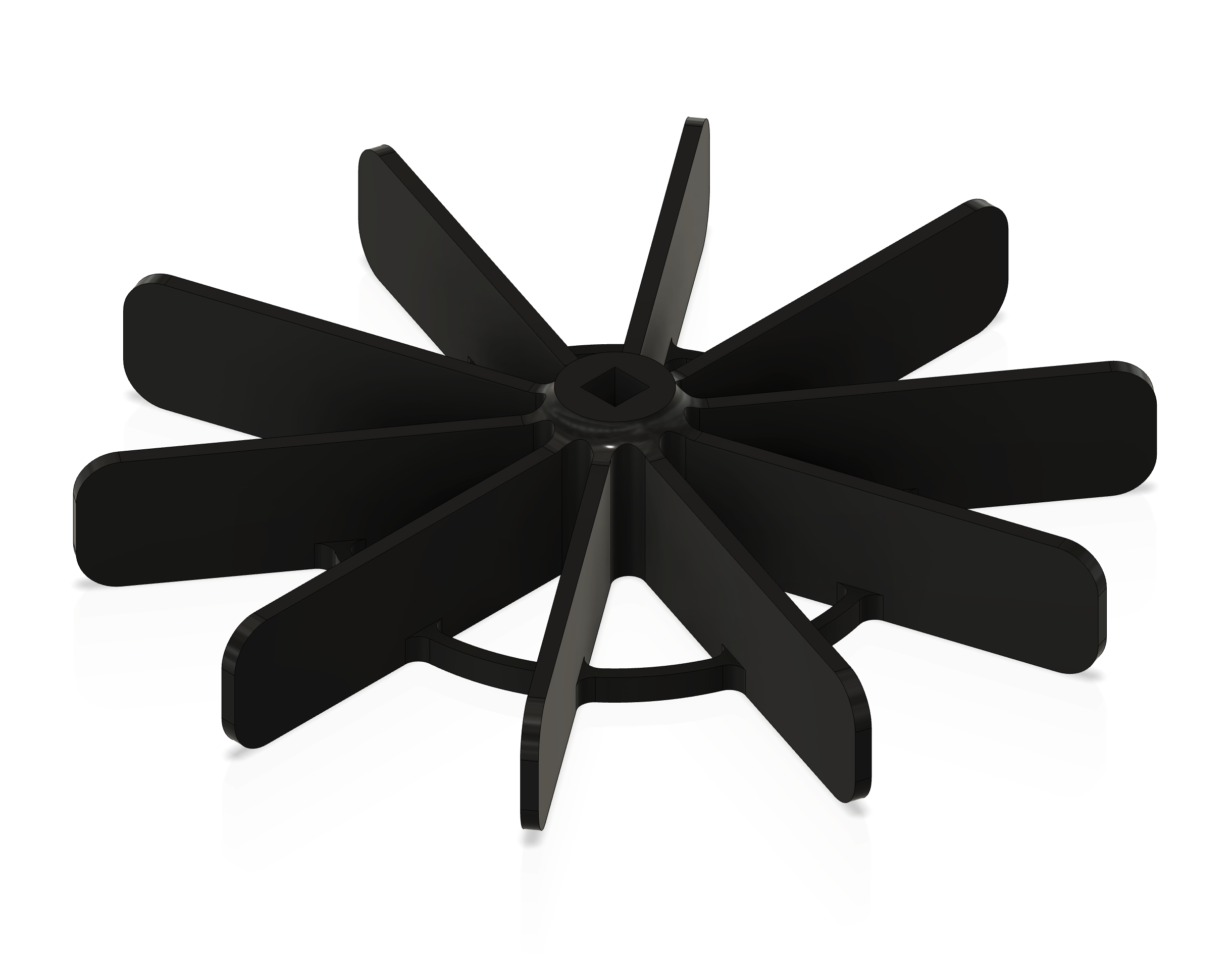
Fusion render of the paddle wheel — perspective view.
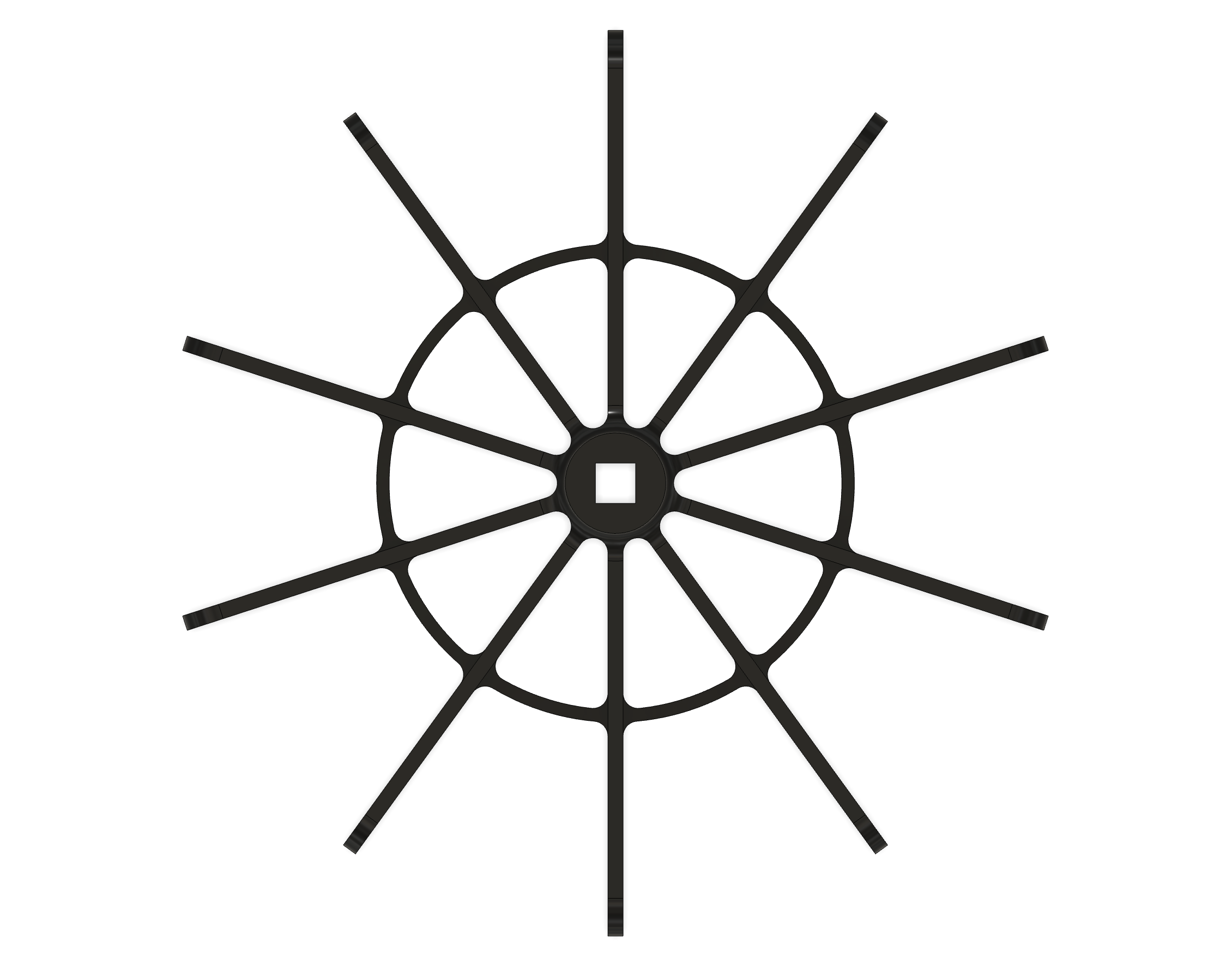
Top view showing the hub and radial blade structure.
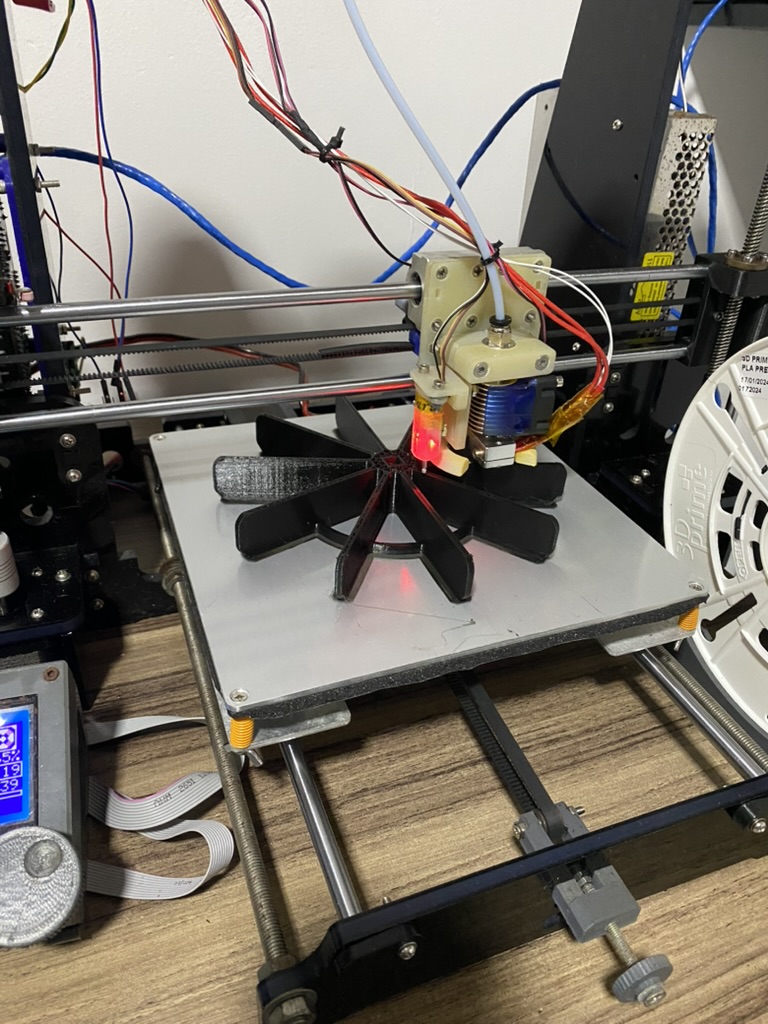
A paddle wheel being printed on the 3D printer.
Testing with a single paddle wheel (still on the 9V battery).
Both paddle wheels running simultaneously — the day of the water test.
Shaft Converter
To prevent the boat from permanently resting on the paddle wheels when placed on a table, I designed a shaft converter that allows the wheels to be attached and detached from the motors. The internal side of the converter has a rounded-square bore that fits the geared motor's shaft, while the external side has a square profile that interfaces with the paddle wheel's hub.
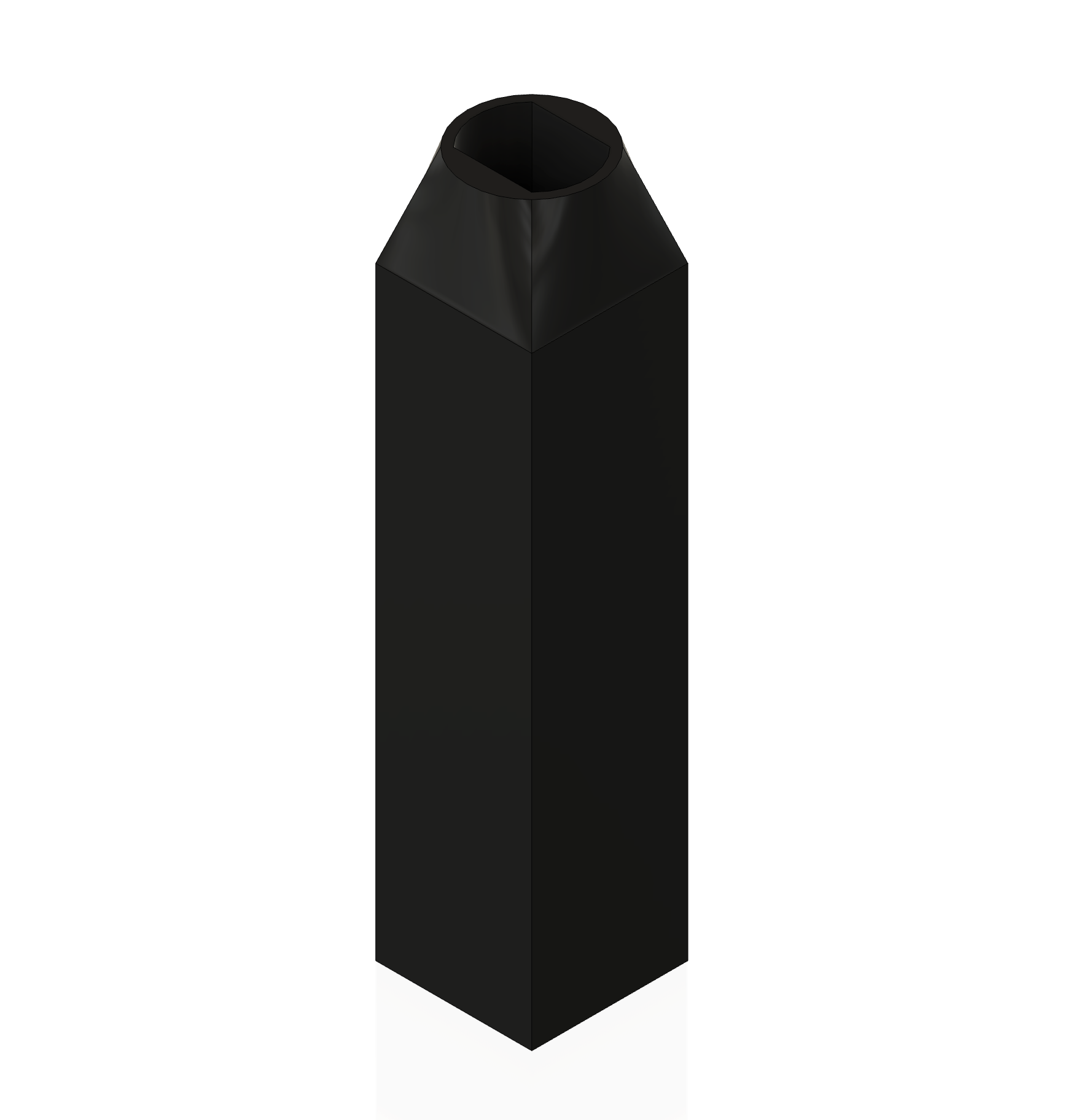
Fusion render of the shaft converter — square external profile (paddle wheel interface).

Top view showing the rounded-square bore that fits the motor shaft.
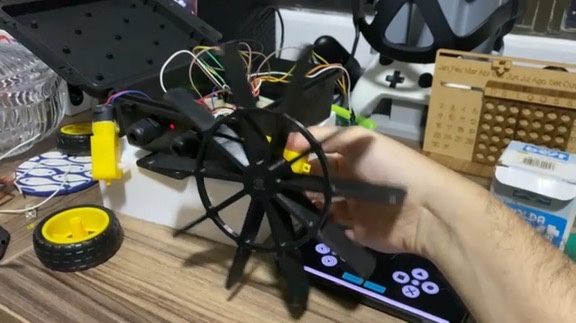
Testing the assembled paddles with the smartphone app — motors, couplings, and paddle wheels all working together.
The Result
The boat was delivered on May 16th, 2025, along with a set of printed instructions featuring a QR code to download the Bluetooth control app and the connection credentials. A fun project from start to finish — and hopefully a memorable birthday gift.
A note on how this was written: the work, decisions, and testing described above are my own. The writing itself was drafted and edited with the help of generative AI (Claude), based on my notes and the real project history.